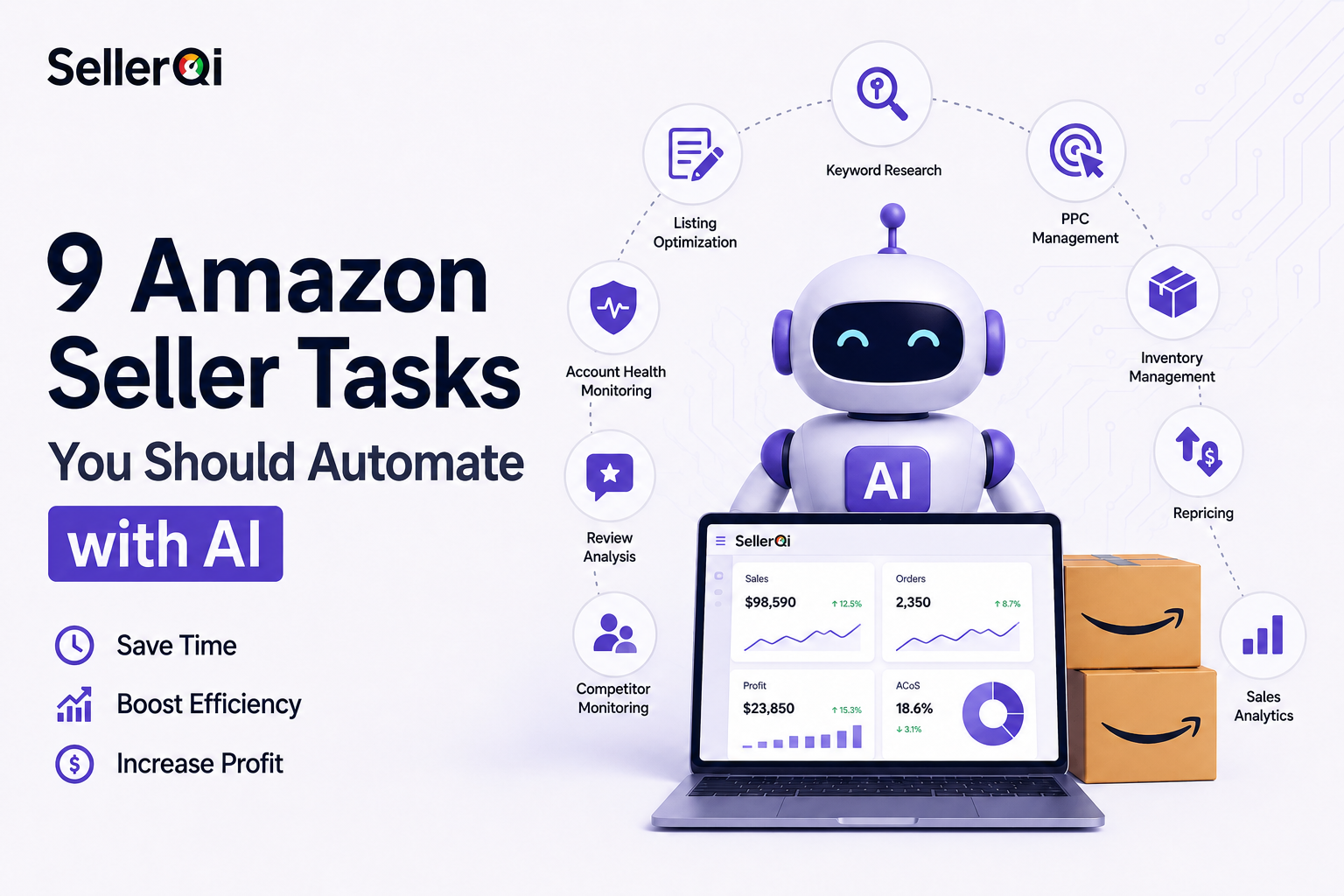
Here's the truth: most Amazon sellers are still doing things manually that AI could handle in minutes. We're talking 15 to 25 hours a week you could get back, plus fewer of those small, expensive slip-ups that eat into your margins. And this isn't a new trend either. By 2026, more than 900,000 sellers had already brought AI into their listing process.
Key takeaways
- With the right tools set up, Amazon can run itself for roughly 80% of the work: product research, ad spend, pricing changes, inventory, even customer messages.
- Sellers who still do everything by hand are falling behind. More than 900,000 Amazon sellers started using tools that create listings automatically in 2025, and even more adopted them in early 2026 after Amazon introduced its Dynamic Canvas AI dashboard.
- You can't set up Amazon tools and forget about them. A person still decides what to sell, which products to choose, and what the brand should be. The tools handle the work, not the decisions.
- Sellers in India have a real opening, especially after Amazon introduced tools to help Indian sellers in June 2026, just before Prime Day.
- The tasks that eat the most time, managing ad bids, writing descriptions, checking reviews, and tracking FBA money, can now run automatically.
- Tools like SellerQI run a 24-hour scan of your whole account and flag issues ranked by how much revenue they're costing you, the kind of thing you'd rarely catch manually in time.
Why Amazon sellers need AI automation in 2026
Running an Amazon business in 2026 is simply harder than it was three years ago. With 50 SKUs, you're checking ad bids, watching inventory, replying to reviews, fixing suppressed listings, and updating prices every day, all while still trying to find and launch new products.
Research from multiple industry sources puts this at 15 to 25 hours per week of repetitive operational work for sellers processing 1,000 or more monthly orders. That's time not spent on sourcing, brand building, or expanding into new categories.
Two structural shifts make this urgent in 2025–2026:
- RufusAmazon's AI search, now relies on NLP and entity recognition to figure out what shoppers actually want, rather than just scanning listings for keywords. If your copy hasn't caught up to AI-driven search, you're probably losing organic visibility without realizing it.
- In June 2026, Amazon rolled out its Seller Assistant tool for Indian sellers ahead of Prime Day, a native AI layer that handles listing creation and demand forecasting.
Sellers who automate the right tasks have more time to make better strategic decisions. Sellers who don't are spending that time on work that software does better and faster.
The 9 tasks to automate
1. PPC bid management and campaign optimisation
Amazon PPC auctions move in real time. By the time you check yesterday's ACoS and manually adjust your bids, the market has already moved on, competitor prices have shifted, new search terms have appeared, and your budget is still bleeding into keywords that don't convert.
AI-powered PPC tools watch your performance every 5 to 15 minutes and adjust bids on their own, using either preset rules or machine learning. They figure out which keywords are draining your budget for nothing, which campaigns deserve more spend because they're actually converting, and which times of day work best for you.
Impact: moving from manual to AI-managed PPC typically cuts ACoS by 20 to 50%. On a Rs 4 lakh monthly ad spend, even a 25% reduction frees up roughly Rs 1 lakh a month.
Common mistake: setting up AI bid rules and never reviewing them. AI optimises within the rules you define, if those rules are poorly set, the AI optimises efficiently in the wrong direction.
Tools: Helium 10 Atomic, Quartile, Perpetua, SellerQI QMate AI (explains why your ACoS spiked and what to adjust, based on your real account data).
2. Inventory forecasting and restock alerts
A stockout on a ranked product is one of the most expensive events in Amazon selling. You lose direct sales, your organic ranking drops because velocity falls, and recovering that ranking after restocking takes weeks. Indian sellers importing from China or other international suppliers face longer lead times than domestic brands, making early forecasting even more critical.
AI inventory tools analyse historical sales velocity, seasonal trends, supplier lead time, and current stock levels to calculate a restock trigger point. The best tools account for Amazon's inbound processing delays, which can add 7 to 14 days between when your inventory arrives at an FBA facility and when it goes live. One approach that works well: set automated alerts when projected sell-through hits 80% of safety stock, enough buffer for supplier lead time and FBA inbound processing.
3. Automated repricing
The Amazon Buy Box flips frequently in competitive categories, sometimes hourly. Missing the Buy Box for six hours in a day can cost 20% of revenue on that ASIN, and no human can monitor this manually across even a moderate catalogue.
You define a minimum price based on your true unit economics (COGS, FBA fees, referral fee, and advertising cost per unit) plus a maximum price. The repricer monitors competitors and adjusts your price to maintain Buy Box eligibility without dropping below your margin floor. There are two types:
- Rule-based: react to competitor moves according to conditions you set, such as matching the lowest FBA seller or staying Rs 50 below the nearest competitor.
- AI / algorithmic: use predictive logic to optimise for Buy Box share or profit, not just lowest price. These work better in categories where the lowest price doesn't always win the Buy Box.
Important for Indian sellers: calculate your true minimum price carefully. It must account for FBA fulfillment fees, referral fees (typically 5 to 15% on Amazon India by category), inbound shipping, and prep costs. Many Indian sellers set their floor too low by forgetting inbound freight.
4. FBA reimbursement tracking and claims
Amazon makes mistakes: lost FBA inventory, overcharged storage fees from incorrect dimension measurements, returns that were never restocked or refunded. These are real monetary losses that Amazon owes you back. Most sellers never collect, because finding these errors requires auditing months of transaction reports across multiple claim types.
Reimbursement tools go through up to 18 months of your FBA transaction history, catch discrepancies across every claim category, calculate how much you're owed, and even prepare the paperwork.
Realistic recovery amounts: sellers often recover anywhere from Rs 25,000 to Rs 5 lakh or more in reimbursements they never knew they were owed, it depends on how big your catalogue is and how long it's been since you last checked.
What to automate:
- Lost and damaged FBA inventory
- Fee overcharges from incorrect product dimensions
- Returns accepted by Amazon but never returned to inventory or refunded
- Items destroyed without authorisation
5. Account health monitoring
Most account suspensions don't happen without warning. They follow a pattern of ignored metrics crossing Amazon's thresholds. The problem is that Seller Central buries these signals across multiple dashboards, so sellers log in reactively rather than proactively.
A good account-health tool scans your metrics daily and alerts you before a metric approaches a dangerous level, not after it's already triggered a policy violation. Metrics to monitor include Order Defect Rate, Late Shipment Rate, policy-violation notices, Buy Box status, and listing-suppression events.
SellerQI runs a 24-hour diagnostic cycle across your full account. Every listing, campaign, fee, and shipment is scanned, and alert emails surface only what needs attention, ranked by estimated revenue impact. That's the difference between knowing your listing was suppressed the same day versus discovering it a week later during a manual check.
6. Listing suppression detection and recovery
A suppressed listing generates zero revenue. The Buy Box disappears, organic ranking falls, and in most cases the seller has no idea the suppression happened until they notice a sudden revenue drop, by which point the listing may have been inactive for days. Common suppression reasons:
- Image policy violations (background not white, prohibited text overlay)
- Missing required attributes for the category
- Pricing errors (price too high relative to Amazon's reference price)
- Title or bullet-point policy violations
A monitoring tool like SellerQI flags listing suppression within its next scan cycle, tells you which specific policy triggered it, and estimates lost revenue since the suppression began, all surfaced in your next alert email.
7. Customer message responses and FAQ automation
Amazon expects seller message responses within 24 hours, and missing this window affects account-health metrics.
What stays human: any message involving a complaint, a safety concern, a potential review risk, or anything that requires brand judgment.
Compliance note: since March 2026, Amazon's BSA Agent Policy requires that any tool taking automated actions on buyer messages must identify itself as automated and comply with Amazon's policies on an ongoing basis. Confirm any messaging automation tool you use is policy-compliant before deploying.
8. Financial reporting and profit tracking
Amazon's Seller Central doesn't show you true profitability, it shows revenue. Calculating actual profit manually requires pulling data from multiple reports, reconciling them in a spreadsheet, and applying your COGS by hand. Most sellers do this quarterly at best, which is too infrequent to catch margin erosion.
AI-powered profit tools plug into your Seller Central account, grab all your fee and transaction data automatically, factor in what your products actually cost you, and build profit dashboards for each unit and each ASIN, updating in real time. What to look for:
- Does it account for the 2026 FBA fee structure, including new inbound placement fees?
- Does it track advertising cost per unit, not just total ad spend?
- Does it flag ASINs where profitability has declined month over month?
Tools: SellerBoard, Helium 10 Profits, SellerQI (surfaces fee overcharges and reimbursement opportunities as part of its account diagnostic).
9. Full account diagnostics and issue prioritisation
Individual automations are valuable, but without a system that sees your whole account and tells you what's costing you the most right now, you end up fixing the visible problems rather than the expensive ones. A seller might spend an hour optimising their lowest-revenue campaign while a suppressed listing on their best ASIN has been losing Rs 50,000 per week unnoticed.
SellerQI runs a 24-hour diagnostic across every listing, campaign, fee, return, and shipment in your account. Every issue is ranked by its estimated monthly revenue impact, and alert emails arrive on alternating days with only what needs immediate attention.
QMate AI, now available on WhatsApp, answers specific questions grounded in your real account data, without requiring you to log into a dashboard. This is the kind of account visibility that used to require an experienced Amazon agency analyst reviewing your account weekly. Now it runs automatically, every 24 hours, for every seller on the platform.
Conclusion
The competitive landscape on Amazon India and global marketplaces isn't getting easier. More sellers, more AI-optimised competitors, a more intelligent search algorithm, and higher customer expectations are the context every Amazon seller is working in right now.
Automation doesn't make the decisions that win. You do. But it handles the execution work that would otherwise consume the hours you need to make those decisions well. The 9 tasks in this guide are where the time goes. PPC management, listing optimisation, inventory forecasting, reimbursement tracking, and account monitoring aren't value-adding activities when done manually; they're operational necessities that AI tools handle more accurately, more continuously, and at a fraction of the cost of doing them yourself.
The sellers building a real edge in 2026 aren't working harder. They're working on the right things, because they've automated everything else.