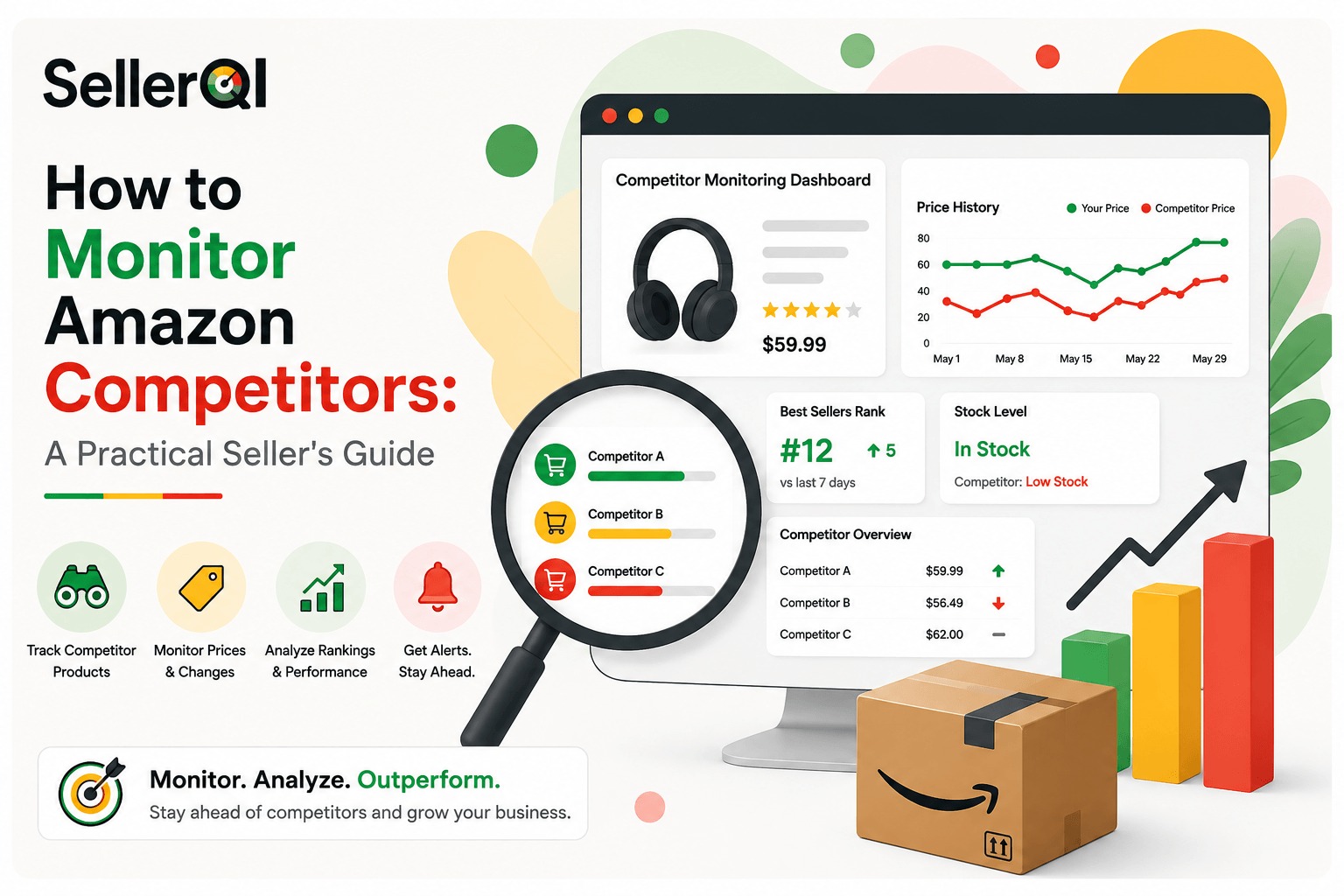
TL;DR
- Real competitor monitoring means tracking a fixed set of signals, prices, Buy Box, new and removed listings, reviews, stock, and content changes, on a set schedule, not checking storefronts by accident.
- Free tools (storefront checks, Keepa, CamelCamelCamel, a spreadsheet) work for a short list. Paid trackers make sense once you're watching more sellers than you can check by hand.
- Track 20 to 50 well-picked competitors: enough to spot patterns, not so many you drown in data you'll never use.
- How often to check depends on your business model, arbitrage and dropshipping need daily checks, wholesale and private label can work on a weekly cadence for most signals.
- Collecting data only pays off when you act on it: match a price, chase a new brand, or restock ahead of a competitor's gap.
Most Amazon sellers check their competitors only when they remember to. They look at a storefront once, see a new listing, maybe take a screenshot of a price change, then forget about it for weeks. That's not real monitoring, that's just noticing things by accident.
Real competitor monitoring means you check specific things on a set schedule: prices, new listings, reviews, stock levels, and catalog changes. You don't watch everything all the time. You watch a few key things often enough that you can spot a pattern before it catches you off guard.
This guide covers what to track, how to track it, how often to check, and how to turn what you find into real decisions.
What competitor monitoring really means
Competitor monitoring is the habit of tracking what other sellers do on Amazon so you can find opportunities and spot problems early. It's not a one-time check, it's something you keep doing.
Checking now and then means you visit a competitor's storefront once in a while and look at what's changed. You get a single picture, but you miss the full story. Did their price drop because of a sale, or because they're clearing out stock before dropping the product for good? One visit won't tell you.
Ongoing tracking follows the same things over time so you see the direction, not just one moment. A price that's dropped three times in two months tells a different story than a price that dropped once for a holiday sale.
The point isn't to copy your competitors. It's to understand their patterns well enough to make better choices about sourcing, pricing, and stock.
The 8 things worth tracking
Not every change in a competitor's account matters. Some are just noise. Others are early warnings, or early chances to act.
| What to track | What it usually means | Why it matters |
|---|---|---|
| Price changes | A sale, clearing out stock, repricing software, or thin margins | Tells you when to match the price, hold steady, or walk away |
| Buy Box wins and losses | A competitor won or lost the Buy Box on a shared listing | Shows if your price or shipping speed is falling behind |
| New listings added | A new supplier or a fresh product idea | Points you toward brands worth checking before others do |
| Listings removed | Lost a supplier, low profit, or a change in plans | Warns you not to chase a brand that's already fading |
| Catalog size changes | Growing into new categories, or pulling back | Shows if a seller is growing or shrinking |
| Reviews and ratings | Sales are picking up, or there's a quality problem | Flags rising sellers early, or a listing about to fail |
| Stock levels | Restock patterns, supply problems, or seasonal demand | Helps you plan your own restocks and spot open gaps |
| Listing content changes | Edits to the title, photos, or bullet points (or a possible hijack) | Protects your own listings and shows what's working for others |
Watch how often and how far a competitor's price moves, not just what it is today. A price that drops slowly over weeks usually means they're short on stock or space. A price that jumps around a lot each day usually means repricing software is running behind the scenes.
If you share a listing with a competitor, the Buy Box tells you who's winning right now on price, shipping speed, and account health. Track who holds it and how often it changes hands. When a competitor starts selling a brand they didn't carry before, they've likely found a new supplier or a good product idea, if two or three competitors add the same brand around the same time, that's worth a closer look.
A brand disappearing from a competitor's catalog can mean they lost the supplier, the profit got too thin, or Amazon blocked the listing. Don't chase a brand just because it looks good on paper, find out why it left someone else's catalog first. A sudden jump in reviews usually means sales are speeding up; a drop in rating along with steady review growth can mean a quality or shipping problem is starting to show.
How to monitor competitors: by hand or with tools
You don't need pricey software to start. You need a routine and tools that fit your budget.
Free and low-cost ways
- Storefront checks. Visit competitor storefronts directly on Amazon and write down what's changed since your last visit. Slow, but free.
- Keepa or CamelCamelCamel. Both track price history and Buy Box changes for a single ASIN. Add competitor ASINs to your watch list and check the charts each week.
- Google Alerts. Set alerts for competitor brand names to catch news or new product launches outside Amazon.
- A simple spreadsheet. Write down competitor name, ASIN, price, stock status, and review count on a set schedule. It takes work, but it keeps you consistent.
Paid tools
Once you're watching more than a handful of competitors, doing it by hand gets slow and easy to give up on. Paid tools mostly fall into three groups: price and Buy Box trackers that warn you about changes right away, storefront trackers that follow a competitor's whole catalog and flag new brands or catalog growth, and brand research tools that help you check a new brand before you spend money sourcing it. Pick based on what's giving you the most trouble right now, if price wars hurt you the most, start there; if you keep missing new product ideas, a storefront tracker helps more.
How to read what you find
Spotting a change is only half the job. The other half is deciding what to do next.
| Signal | What it may mean | What to do next |
|---|---|---|
| Competitor cuts price again and again | Clearing stock, or running low on profit room | Decide whether to match the price, hold steady, or wait it out |
| You lose the Buy Box | Your price, stock, or account health has slipped | Check your price and shipping speed against theirs |
| Competitor adds a new brand | A new supplier lead or a fresh idea | Check the brand's demand and competition before you jump in |
| Several competitors add the same brand | Growing demand in the market | Move fast if you want in before it gets crowded |
| A brand disappears from their catalog | Lost supplier, thin profit, or a policy problem | Look into it before you think about sourcing it yourself |
| Reviews jump suddenly | Sales are speeding up | Watch to see if it's a real trend or a short push |
| Competitor keeps running out of stock | Supply problems on their end | Think about picking up the sales they're missing |
| Listing content changes with no notice | A test, or maybe a hijack | Check your own listings for the same kind of surprise edit |
Setting up a routine: step by step
- Build a short list. Start with sellers who show up on products you already sell, plus a few in categories you're thinking about. Aim for 20 to 50 competitors, more than that, and you won't keep up.
- Pick your method. Decide if you're starting with a spreadsheet, Keepa watch lists, or a paid tool. A spreadsheet works fine for 10 sellers; it falls apart at 50.
- Write down a starting point. Note where every competitor stands today: price, stock status, review count, catalog size. You need a starting point before "change" means anything.
- Set a check-in schedule. Check the most important things every day, look at your full list every week, and check for bigger patterns every month.
- Act on what you find. When you spot something worth acting on, take the next step right away: look into a new brand, change a price, or restock before a competitor does.
- Clean up your list often. Drop competitors who've gone quiet or stopped mattering, and add new ones as you find them.
How often should you check?
How often you check depends on your business type.
- Wholesale sellers: Check daily for new brands added by your main competitors. Look at prices and catalog changes each week, and bigger trends each month.
- Online arbitrage sellers: Check daily. Good deals show up and vanish fast, and a solid deal can dry up in days.
- Private label sellers: Check price and Buy Box daily on your closest competitors. Look at listing content and reviews each week, and broader category trends each month.
- Dropshippers: Check daily for catalog and stock changes, since your profit depends on staying ahead of price and stock shifts.
No matter your business type, the same rule holds true: checking all the time doesn't beat checking on a steady schedule. A routine you actually keep up with beats a system you check hard for a week, then drop.
How many competitors should you track?
Track too few, and you miss what's happening in the market. Track too many, and you can't keep up with what actually matters. Start with sellers on products you already sell or plan to sell. Add a mix of big sellers, for a wide view of the market, and small, focused sellers, who often spot good ideas before anyone else. Somewhere between 20 and 50 well-picked competitors usually gives you enough to work with, without burying you in data you'll never look at again.
Common mistakes to avoid
- Tracking too many competitors. A long list makes it hard to spot what actually matters.
- Watching prices only. Catalog changes, reviews, and stock levels tell you just as much, often sooner.
- Collecting data and never using it. A spreadsheet full of price history helps no one if you never change what you do based on it.
- Reacting to every small change. Not every price dip or new listing needs a response, focus on patterns, not one-off blips.
- Never cleaning up your list. Old, quiet competitors clutter your view and waste your time.
Frequently asked questions
Can competitors tell that I'm watching their storefront?
No. Storefronts and listings are public. Checking them, by hand or with a tool, doesn't tell the seller or change their account in any way.
Do I need paid software to do this well?
Not at first. A spreadsheet plus Keepa or CamelCamelCamel works fine for a small list. Paid tools become worth the cost once you're tracking more sellers than you can check by hand.
Should I stop watching a competitor whose catalog never changes?
Not always. A steady catalog can point to a solid, long-term brand deal worth looking into, even if it doesn't change much day to day.
How do I know if a competitor is worth tracking?
Look for sellers whose products match yours and who change their catalog or prices often enough to matter. A competitor in a totally different category rarely gives you anything useful.
Final thoughts
Competitor monitoring works when it's a routine, not a one-time check. Track the things that actually tell you something, prices, Buy Box, catalog changes, reviews, and stock, check them on a schedule you can stick to, and act on what you find. Start small with a short list and simple tools, and add more only once you've outgrown what a spreadsheet can handle.
The sellers who win aren't the ones checking competitor pages the most. They're the ones who turn what they see into action.