TL;DR
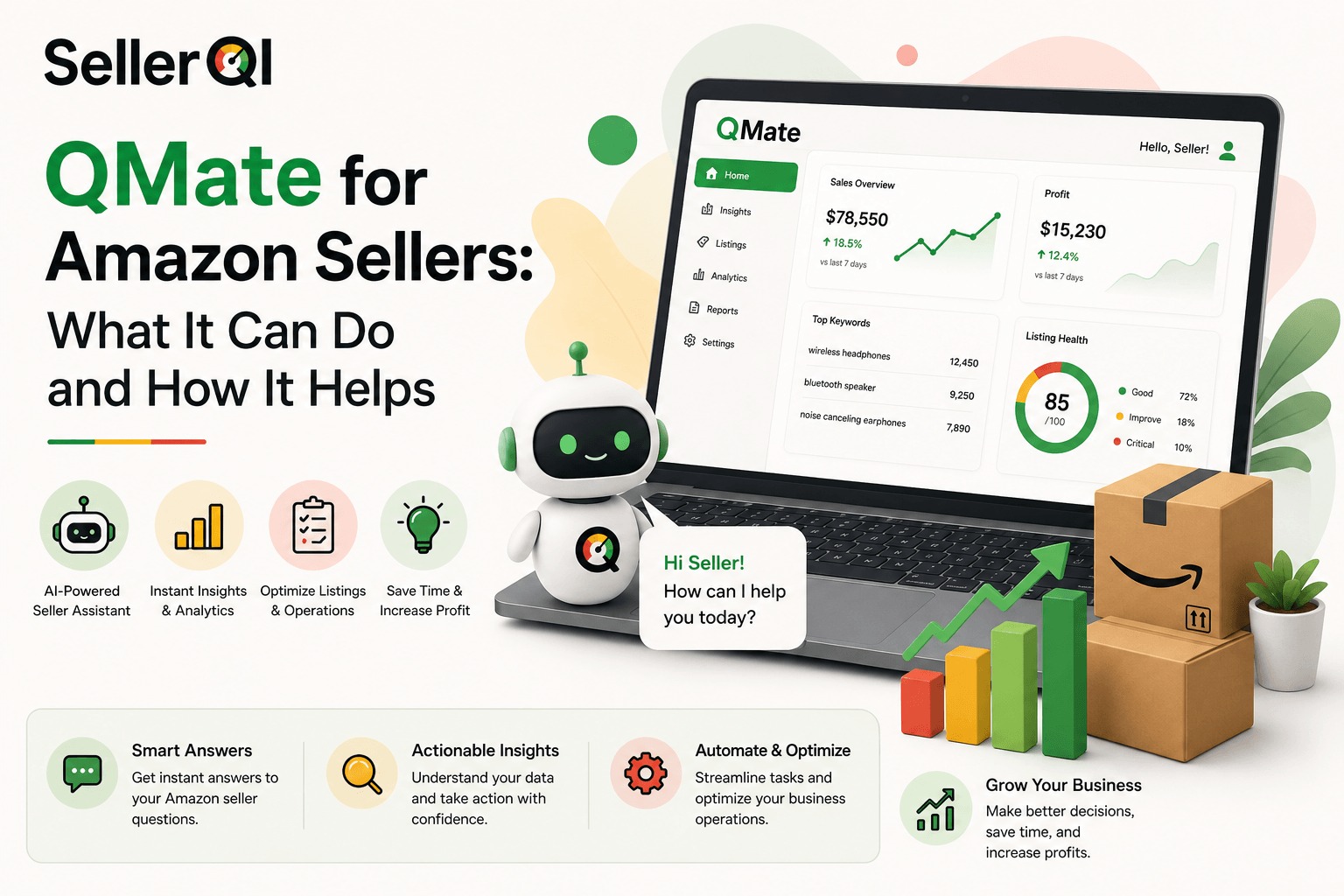
- QMate is SellerQI's AI assistant that answers questions about your real Amazon account, covering listings, PPC, fees, and reimbursements, in plain language.
- It's reachable in the SellerQI dashboard and directly on WhatsApp, so you can ask a question without opening a laptop.
- QMate connects through Amazon's read-only Selling Partner API, so every answer is grounded in your actual ASINs and campaigns, not general advice.
- It explains and recommends but never edits your account, every change stays in your hands.
- QMate is included free, with no credit card required.
You check your Amazon dashboard, see sales dropped overnight, and then spend the next hour digging through reports trying to figure out why. Was it a price change? A lost Buy Box? A listing edit gone wrong? By the time you find the answer, you've lost half your morning and probably some sales too.
That's the exact problem QMate was built to solve. It's an AI assistant from SellerQI that answers questions about your actual Amazon account, in plain language, right from WhatsApp. No dashboard, no digging through reports, just ask, and get an answer grounded in your real data.
What is QMate?
QMate is SellerQI's AI co-pilot for Amazon sellers. Think of it as a strategist who already knows your account inside and out. Instead of searching for problems across five different reports, you ask QMate a question, and it gives you a straight answer based on your own ASINs, campaigns, fees, and sales history.
The standout part is where you can reach it. QMate lives in your SellerQI dashboard, but it's also available directly on WhatsApp, so you can ask a question about your business while you're on the go, without opening a laptop or logging into anything. WhatsApp Business had over 764 million monthly active users by the end of 2024, and that number keeps climbing. QMate meets sellers where they already are, instead of asking them to open one more tool.
How QMate works
QMate connects to your Amazon account through Amazon's official Selling Partner API, the same read-only connection SellerQI uses to run its diagnostics. That means QMate isn't guessing or pulling from general internet knowledge. It's reading your real listings, campaigns, order defect rate, reimbursement history, and keyword data, then turning that into an answer you can actually act on.
A regular AI chatbot can tell you general advice about running an Amazon business. QMate goes further, it knows the difference between a real ASIN you sell and a hypothetical example, and it ties every answer back to what it's actually costing or earning you.
What you can actually ask QMate
The real value of QMate shows up in the kinds of questions sellers ask it every day:
- "Why are my sales down 18% this week?" QMate doesn't just say sales are down. It points to the exact ASIN, shows you that sessions actually went up while your conversion rate dropped, and traces it back to a bullet point edit that knocked out your top ranking keywords.
- "Should I lower the price on this ASIN?" Instead of a generic yes or no, QMate checks whether the drop in sales is actually a pricing problem or a conversion problem. If it's conversion, cutting your price just eats into your margin without fixing anything.
- "Is it worth running a coupon on this ASIN?" QMate checks your margin after fees and your current organic rank before answering.
- "My order defect rate is at 0.9%. What should I do?" It flags that you're under Amazon's 1% threshold but trending the wrong way, points out the specific A-to-Z claims driving it, and tells you what to fix first.
- "Which campaigns are wasting the most budget?" It names the exact campaign, how much it's spent with zero orders, and offers to list out the wasted search terms so you can add them as negatives right away.
- "How do I fix a suppressed listing?" It identifies the exact policy issue causing the suppression, like a badge overlay on your main image, and tells you the fix along with a realistic timeline for reinstatement.
Every one of these answers is specific to your account. That's the difference between QMate and a search engine or a generic chatbot.
Why this matters for sellers
Running an Amazon business today means juggling PPC campaigns, listing health, inventory, reimbursements, and account metrics, often all at once. AI adoption among Amazon sellers has grown fast: more than a third of Amazon sellers and brands already use AI to write and optimize their listings, and Amazon itself says over 900,000 sellers have used its own generative AI tools to build or improve listings.
The trend is clear: sellers are moving away from manually digging through spreadsheets and toward tools that can explain what's happening and why. QMate fits squarely into that shift, but with one key difference, it's not answering from general Amazon knowledge, it's answering from your account.
QMate vs. other AI options
Not all AI help is the same. Here's how QMate stacks up against the alternatives sellers typically try first.
| What you need | Generic ChatGPT | Amazon's built-in seller assistant | QMate |
|---|---|---|---|
| Knows your specific ASINs and campaigns | No | Limited | Yes |
| Answers based on your real account data | No | Partial | Yes |
| Explains the actual cause of a sales drop | Guesses | No | Yes |
| Reachable on WhatsApp | No | No | Yes |
| Ties every answer to revenue impact | No | No | Yes |
The gap comes down to context. A general AI tool can tell you what usually causes a sales drop. QMate tells you what caused yours.
What QMate doesn't do
QMate reads your account with read-only access, so it can't and won't make changes on your behalf. It won't edit your listings, adjust your bids, or touch your pricing automatically, you get the recommendation, and you decide whether to act on it.
It's also built around your own account data, not your competitors' accounts. If you're looking for a tool to track competitor pricing or catalog changesthat's a different feature worth keeping in mind when you're picking tools for your stack.
Getting started with QMate
QMate comes included with SellerQI's free account scan, so you don't need a separate signup or a different plan to try it. Connecting your account takes a few minutes through Amazon's Selling Partner API, and your first full scan usually finishes within a few hours depending on how many ASINs you're running. From there, you can start asking questions right away, either in the dashboard or straight from WhatsApp.
Frequently asked questions
Is QMate the same as ChatGPT with extra branding?
No. ChatGPT answers from general public knowledge. QMate answers using your actual ASINs, campaigns, fees, and account history, and connects every answer back to your revenue.
Can I really use QMate through WhatsApp?
Yes. You can message QMate directly on WhatsApp without ever opening the SellerQI dashboard.
Does QMate have access to my real account data?
Yes, through a read-only connection. It reads the same data SellerQI uses for its diagnostics, so its answers reflect what's actually happening in your account.
Can QMate change my listings or campaigns for me?
No. QMate gives you recommendations and explanations. Every change stays entirely in your hands.
Is QMate included in the free account scan?
Yes, QMate is available during SellerQI's free account scan.
Final thoughts
Running an Amazon account generates a lot of noise: reports, alerts, dashboards, metrics you have to interpret on your own. QMate cuts through that by letting you ask what you want to know and get a straight answer, grounded in your actual data, wherever you already are.
It won't replace your judgment, and it's not meant to. It just gets you to the right decision faster, without the three hours of digging first.