TL;DR
- A suppressed or non-compliant listing can lose the bulk of its organic sessions within 24 to 72 hours, and Amazon rarely sends a direct notification when it happens.
- The most common hidden issues in 2026 are unindexed keywords, blocked or restricted terms, main-image policy violations, thin bullet content, and stranded inventory.
- Manual tracking (spreadsheets plus Seller Central tabs) catches most of these days or weeks late, after the revenue is already gone.
- Fix workflow: pull the flagged ASINs, resolve the highest-revenue listing first, republish, and confirm re-indexing within 24 hours.
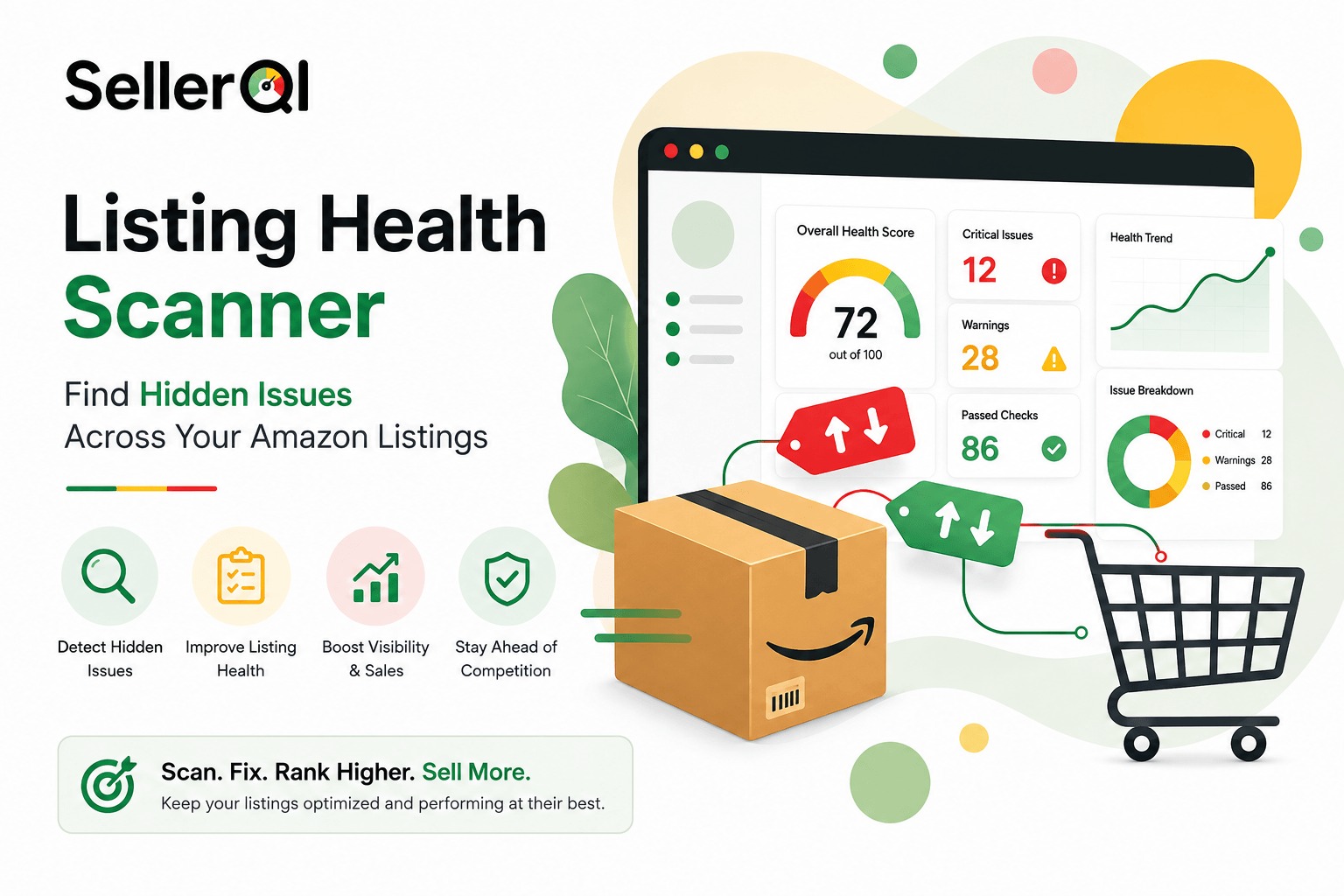
- Detection is the real bottleneck. SellerQI's Listing Health Scanner runs every 24 hours across your full catalog and ranks each issue by estimated revenue impact, so you fix the right listing first.
A listing can sit one policy update away from suppression, and Amazon will not tell you until sessions have already dropped. Most sellers find out on a Monday, three to five days after the sales have already left. This guide covers what a listing health scanner actually checks, how to diagnose a hidden issue in under 30 minutes, and how SellerQI catches the next one before it costs you a week of rank.
Best fit if
- You run more than a handful of ASINs and cannot manually check each one daily
- You want issues flagged and ranked by revenue impact instead of a wall of raw data
- You are tired of finding out about a suppression after sales have already dropped
Skip if
- You sell one or two ASINs and already check Seller Central every morning
- You already have a same-day suppression alert wired into your workflow
What a listing health scanner actually checks
A listing health scanner is not a keyword-density checker. It runs a set of diagnostic passes across every ASIN in your catalog and flags anything that could be actively costing you visibility or sales. SellerQI's version of this checks for:
- Suppression risktitle, bullet, or backend attributes that violate current Amazon style guidelines
- Indexing failuressearch terms present in your listing that Amazon is not actually indexing
- Blocked or restricted termswording that trips an automatic content flag
- Image policy violationsoverlays, watermarks, or badges on the main image that can trigger suppression
- Missing or thin contentempty bullets, unused backend keyword slots, missing A+ Content
- Stranded or inactive inventorylistings that have quietly dropped off the buy box or gone unsellable
Instead of dumping this as raw data, each issue gets ranked by estimated revenue impact, so the ASIN losing you real money sits above a cosmetic fix that barely moves the needle. That ranking is the part sellers actually need, most people do not lack data, they lack a clear answer to "what do I fix first."
Why sellers miss this until it's expensive
Two questions keep coming up in Amazon seller communities, and they point at the same gap.
The first is about Account Health Rating: sellers with a completely clean record, zero violations, no negative marks, still cannot move the number past 200 to 250, and there is no clear playbook for actively raising it. Account Health Rating blends order defect rate, policy compliance, and shipping performance, but it does not clearly show how listing-level problems feed into that score over time. Sellers end up treating account health and listing health as two separate dashboards, when a chronically broken listing is often the quiet cause behind the account-level symptoms they are chasing.
The second is more practical: how do you track reviews and listing health without checking five different reports every morning? A review can turn negative for reasons that have nothing to do with product quality: a shipping delay, a changed image, a hijacked listing. Amazon does not send a push alert when a bullet point falls out of compliance with a new content rule. Sellers find out when sessions drop and they go looking for why.
Manual tracking vs. an automated scanner
Here is how the two approaches hold up over a normal month of running a catalog.
| Factor | Manual tracking (spreadsheets + Seller Central) | SellerQI Listing Health Scanner |
|---|---|---|
| Time to detect a suppressed listing | Days to weeks, usually after a sales drop is already visible | Within 24 hours of the scan cycle |
| Coverage across ASINs | Limited to what you remember to check | Every ASIN, every scan, automatically |
| Issue prioritization | None, sellers guess what to fix first | Ranked by estimated revenue impact |
| Review and content-change tracking | Manual refresh, overnight edits are easy to miss | Flagged in the alert cycle, including who or what changed |
| Ongoing weekly effort | Several hours across multiple reports | Minutes reviewing a ranked list |
Sort the fix queue by revenue, not by ASIN number
If a catalog audit turns up ten or more flagged listings at once, the instinct to work through them alphabetically is the wrong one. Pull trailing 30-day revenue per ASIN, sort descending, and fix the top of that list first. A small share of your catalog usually accounts for most of the revenue at risk, and that is the share worth fixing today, not next week.
Related read: what to do if your Amazon listing changed overnight
The 24-hour fix workflow
- Pull every flagged ASIN. In SellerQI, this is the ranked issue list. Manually, this means cross-checking Manage All Inventory, the Listing Quality Dashboard, and Account Health for suppression or compliance flags.
- Resolve the highest-revenue listing first. For image policy issues, upload a compliant main image. For missing content, fill the empty bullets and backend fields. For blocked terms, remove and replace the flagged wording.
- Republish and confirm re-indexing. Amazon typically re-indexes within a few hours. Search your ASIN by title on the live marketplace to confirm it is back in results.
- Pause PPC on any suppressed ASIN until it is confirmed live again. Ads pointed at a suppressed listing spend without converting.
- Log the root cause so the same issue does not repeat on your next catalog update or bulk upload.
How SellerQI finds the issue before it compounds
The value of monitoring is not the alert by itself. It is the alert next to what it's actually costing you. Seller Central will eventually show you a suppressed status or a compliance flag, but it will not connect that flag to lost revenue or tell you which of your twelve broken listings to fix first. SellerQI ties the two together: every issue is scanned every 24 hours and ranked by estimated revenue impact, so the operator opening the dashboard sees the highest-cost problem at the top, not buried in a report they have to build themselves.
This also applies after a fix. Sellers who have already optimized a listing and still are not seeing the ranking lift they expected are usually facing a visibility gap, not a content gap. If that sounds familiar, it is worth understanding why your Amazon listing isn't ranking after optimization before making another round of changes based on guesswork.
Prevention: three checks that stop most issues before they start
- Pre-check your main image before every catalog upload. White background, no overlays, no badges, product filling the frame per current guidelines. Catch this before it reaches Amazon, not after.
- Audit backend keywords and bullets quarterly. Character limits and content rules shift more than once a year. A listing that passed review six months ago can fail today.
- Set a recurring compliance check on any restricted or seasonal category. Categories like supplements, electronics, and beauty carry attribute requirements that change with little notice.
Frequently asked questions
What is a listing health scanner on Amazon?
It is a monitoring tool that checks each product listing for suppression risk, unindexed keywords, blocked content, image policy violations, and other compliance issues, then reports what needs fixing and how urgent it is.
Does listing health affect my Amazon Account Health Rating?
Not through one direct formula, but the two are connected. Suppressed or non-compliant listings drive lost sales and stranded inventory, which touch the same performance signals sellers are trying to improve on their Account Health dashboard.
How often should I check my Amazon listings for hidden issues?
Ideally daily, since suppression and content changes can happen without warning. Most sellers cannot sustain manual daily checks across a full catalog, which is why automated scanning on a 24-hour cycle is the more realistic option.
Can a listing health scanner fix a suppressed listing automatically?
No. A scanner identifies the exact cause so you can fix it yourself in minutes instead of days of trial and error. SellerQI never edits your listings, campaigns, or settings without you taking the action.
The bottom line
Both the account health question and the listing tracking question come from the same gap: Amazon hands sellers data, not answers. A listing health scanner closes that gap by watching every ASIN continuously, ranking what is actually costing money, and pointing at the fix instead of the symptom.
If you have been meaning to audit your catalog "this weekend" for the last few months, that is usually the sign it is time to let something else do the watching.